ECU Programming Troubleshooting Guide: Common Problems and Solutions
ECU programming is an important service in modern automotive electronics repair. However, successful ECU reading and writing operations require correct communication, stable power supply and proper programming procedures.
When an ECU programming operation fails, technicians need a structured troubleshooting process to identify whether the problem comes from wiring, software, hardware or the ECU itself.
This guide explains the most common ECU programming problems and practical troubleshooting methods for professional technicians.
Why ECU Programming Problems Occur
An ECU programming operation involves communication between multiple components:
- Vehicle or ECU control module
- ECU programmer
- Computer software
- Connection cables
- Power supply system
A failure in any part of this chain may interrupt communication or prevent successful programming.
Common ECU Programming Problems
1. ECU Cannot Communicate
One of the most common problems during ECU programming is communication failure.
Possible causes include:
- Incorrect connection wiring
- Wrong programming mode selection
- Unsupported ECU type
- Power supply problems
- Communication line failure
Solution
Technicians should check:
- ECU identification information
- Connection diagram
- Power and ground lines
- CAN-H and CAN-L connections
- Selected programming procedure
2. Wrong Programming Method Selected
Different ECUs require different access methods. Selecting the wrong method may prevent communication.
Common programming methods include:
- OBD programming
- Bench programming
- Boot programming
- JTAG programming
- BDM programming
For example, an ECU that requires Bench or Boot access may not communicate through normal OBD connection.
Solution
Before starting programming, confirm:
- ECU model
- Hardware number
- Processor type
- Supported operation mode
3. ECU Power Supply Problems
Stable power is essential during ECU reading and writing operations.
Unstable voltage may cause:
- Programming interruption
- Communication loss
- Incomplete data writing
- ECU recovery requirements
Solution
Check:
- Power supply voltage
- Ground connection
- Battery condition
- Bench power stability
Never interrupt power during an ECU writing operation.
4. Incorrect ECU File
Using an incorrect programming file is another common reason for failure.
The ECU file should match:
- Vehicle model
- ECU hardware version
- Software version
- Memory structure
Solution
Always create and save the original ECU backup before modifying or writing any file.
Original files provide a recovery option and allow technicians to compare data before programming.
5. Programming Interrupted During Writing
The writing process is one of the most sensitive ECU operations.
Possible causes of interruption:
- Power loss
- USB connection failure
- Software crash
- Communication instability
Solution
If communication is lost:
- Do not immediately overwrite the ECU
- Check power and connections
- Attempt supported recovery procedures
- Use Boot Mode if required
6. Driver and Software Problems
ECU programming depends on communication between the programming tool and computer software.
Problems may come from:
- Missing drivers
- Incorrect software installation
- USB communication issues
- Outdated software version
Solution
Check:
- Device recognition
- Driver installation
- Software version
- Official update resources
Professional ECU Troubleshooting Workflow
A structured troubleshooting process helps technicians solve problems faster.
- Confirm vehicle and ECU information
- Check programming support
- Verify connection method
- Check power supply
- Test communication
- Review software settings
- Create backup before retrying
ECU Programming Troubleshooting Checklist
| Check Item | Status |
|---|---|
| Vehicle information confirmed | Required |
| ECU identification completed | Required |
| Correct programming mode selected | Required |
| Power supply stable | Required |
| Original backup saved | Required |
| Software updated | Required |
Professional ECU Programming Equipment
Reliable ECU programming equipment helps technicians reduce communication problems and improve programming efficiency.
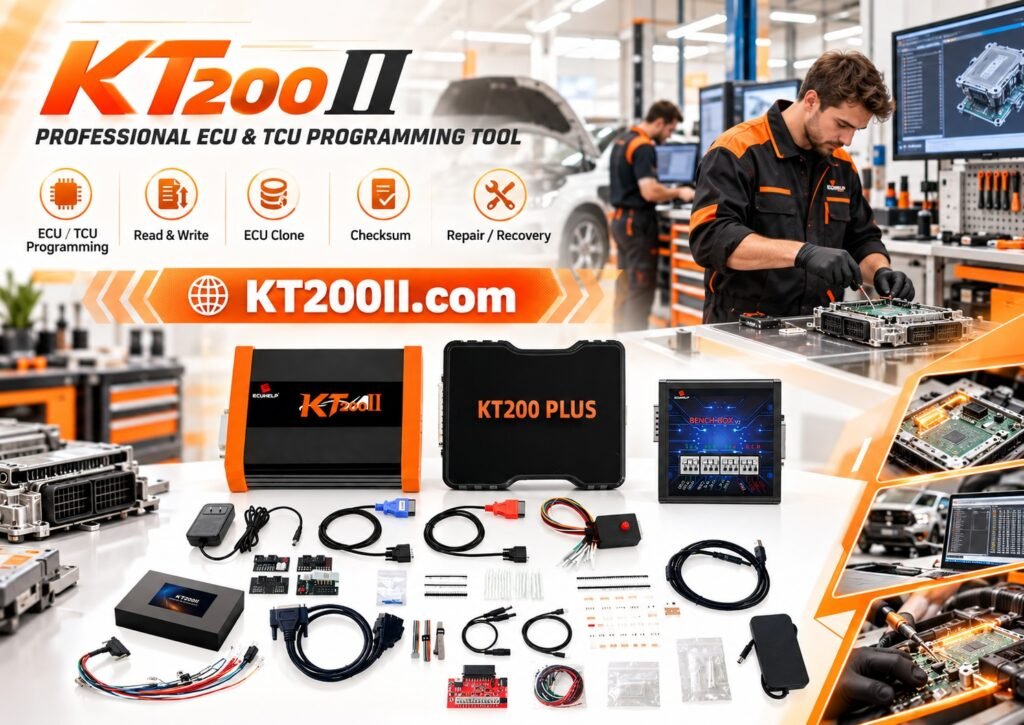
The KT200II ECU Programmer supports professional ECU and TCU programming operations on supported applications.
KT200II supports multiple programming methods according to ECU requirements, including:
- OBD Mode
- Bench Mode
- Boot Mode
- JTAG Mode
- BDM Mode
Technicians can learn more about ECU connection methods through:
Check ECU Support Before Programming
Before performing ECU operations, always confirm compatibility information.
The official KT200II Support List provides information about supported ECU applications.
Keep ECU Programming Software Updated
New vehicle systems continue to introduce updated ECU architectures and communication methods.
Updated software support helps technicians maintain compatibility with newer applications.
The latest resources are available through:
Conclusion
ECU programming troubleshooting requires a systematic approach. Most programming problems can be solved by checking ECU identification, connection method, power stability and software compatibility.
By following a professional troubleshooting workflow and using reliable ECU programming equipment, technicians can reduce downtime and complete ECU repair operations more efficiently.