
ECU Memory Explained: Understanding Flash, EEPROM and MCU Data in Automotive Programming
Modern automotive control units contain complex electronic systems that store software, configuration information and vehicle-specific data. Understanding ECU memory structures is an essential skill for technicians involved in ECU repair, cloning and programming.
Different memory areas inside an ECU have different purposes. Flash memory, EEPROM and MCU internal memory all play important roles during professional ECU operations.
Why Understanding ECU Memory Is Important
When technicians perform ECU reading, writing or cloning, they are not simply transferring one single file. An ECU contains multiple data areas that control different functions.
A correct understanding of ECU memory helps technicians:
- Select the correct programming method
- Create complete ECU backups
- Perform safer ECU cloning
- Identify damaged memory areas
- Choose suitable repair procedures
Main Types of ECU Memory
Most automotive ECUs use several types of memory technology. The three most important areas are Flash memory, EEPROM and MCU memory.
Flash Memory in ECU Programming
Flash memory is commonly used to store the main ECU software and calibration data.
Depending on the ECU design, Flash memory may contain:
- Operating software
- Engine control programs
- Calibration maps
- Control strategies
- Application data
During ECU programming operations, Flash data is often one of the main areas accessed when reading or writing ECU files.
Because Flash memory contains important operating information, technicians should always save the original data before performing any write operation.
EEPROM Memory in ECU Systems
EEPROM is a non-volatile memory area that keeps stored information even when the ECU loses power.
Common data stored in EEPROM may include:
- Configuration information
- Vehicle-specific parameters
- Adaptation values
- Security-related information
- Module identification data
During ECU replacement or cloning procedures, EEPROM data may need to be transferred depending on the ECU architecture and supported procedure.
MCU Memory and Processor-Level Access
The Microcontroller Unit (MCU) is the central processing component inside many ECUs.
The MCU controls communication between hardware components and executes ECU software instructions.
Some advanced ECU repair procedures require direct access to MCU-related memory areas through methods such as:
- JTAG
- BDM
- SWD
- Boot mode
These methods are typically used when normal diagnostic communication is unavailable or deeper ECU access is required.
ECU Memory Reading Methods
Different ECU designs require different access methods. Technicians must select the correct method according to ECU type, processor and supported procedure.
OBD Reading
OBD communication allows technicians to access supported ECUs through the vehicle diagnostic connector.
It is commonly used when the ECU supports direct vehicle communication.
Bench Programming
Bench programming connects directly to the ECU outside the vehicle.
This method provides stable access for many ECU backup, reading and writing operations.
Boot Mode Access
Boot mode provides deeper access to certain ECU processors and memory areas.
It is often used for ECUs where standard communication methods cannot access the required data.
JTAG and BDM Access
JTAG and BDM are advanced hardware-level communication methods used for specific ECU families.
These methods require accurate connection information and professional experience.
Why Complete ECU Backup Is Important
Before modifying or writing ECU data, creating a complete backup is one of the most important safety procedures.
A proper backup allows technicians to:
- Restore original ECU condition
- Compare original and modified files
- Recover from programming interruptions
- Support future repair work
A backup should be stored with accurate information including ECU type, vehicle details and programming date.
Common ECU Memory Programming Mistakes
Using Incorrect Data Files
ECU files must match the correct hardware and software version. Similar vehicle models may use different ECU configurations.
Ignoring Memory Differences
Some ECU replacements require transferring only specific memory areas, while others require complete data cloning.
Skipping Original Backup
Starting programming without saving original data increases the risk of irreversible problems.
Professional ECU Memory Programming Solutions
For technicians working with advanced ECU repair and programming, having a reliable tool with multiple communication methods is important.
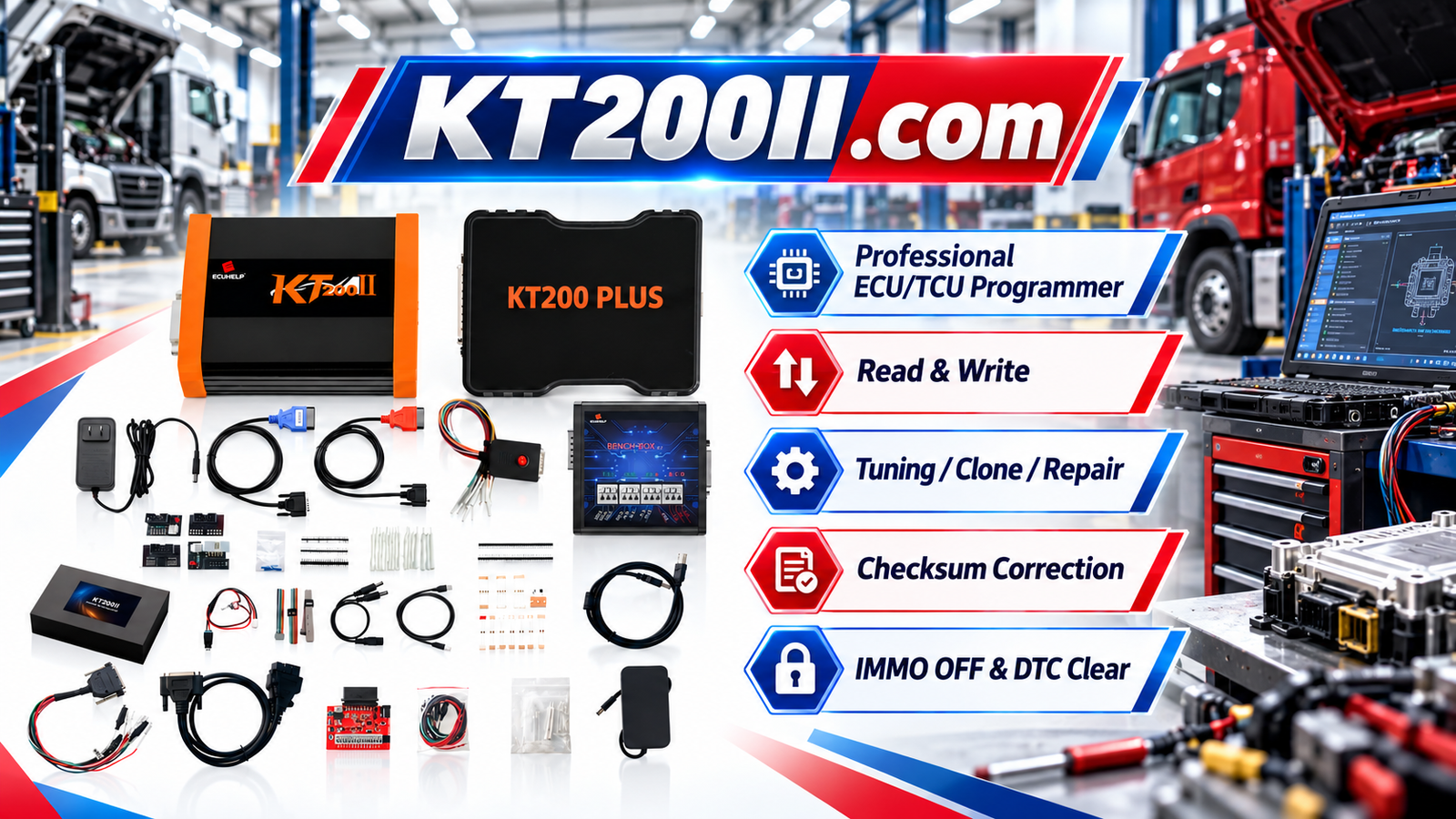
The KT200II ECU Programmer supports professional ECU programming operations on supported applications with different access methods.
Technicians can learn more about different programming approaches through:
Check ECU Support Before Programming
Before accessing ECU memory, technicians should confirm ECU compatibility and the recommended programming procedure.
The official KT200II Support List provides information about supported ECU applications.
Keep Programming Software Updated
New vehicles and ECU generations continue to appear. Updated programming software helps technicians work with expanding vehicle coverage.
The latest software resources are available here:
Conclusion
Understanding ECU memory is a fundamental skill for professional automotive electronics technicians.
Flash memory, EEPROM and MCU areas each have different functions, and knowing how they work helps technicians perform safer ECU reading, writing, cloning and repair operations.
With proper backup procedures, correct programming methods and reliable equipment, ECU memory operations can become a professional and efficient workshop service.






