
ECU Boot Mode Programming Explained: A Guide for Professional Technicians
Modern vehicles use advanced electronic control units that manage engine operation, transmission systems and many other vehicle functions.
While many ECU operations can be completed through standard diagnostic communication, some situations require deeper access to the ECU hardware. In these cases, ECU Boot Mode programming becomes an important solution for professional automotive electronics technicians.
ECU Boot Mode allows technicians to access specific ECU memory areas and perform advanced operations such as ECU recovery, backup and programming.
What Is ECU Boot Mode?
ECU Boot Mode is an advanced programming method that provides direct access to certain ECU processors and memory areas.
Unlike normal OBD communication, Boot Mode works by placing the ECU into a special programming state, allowing professional tools to communicate with the ECU at a deeper level.
Boot Mode is commonly used when standard communication methods cannot access the required ECU functions.
Why Is ECU Boot Mode Needed?
Modern ECUs contain complex software structures, security systems and memory areas. Some operations cannot be completed through normal diagnostic communication.
Technicians may need Boot Mode for:
- ECU recovery
- Deep memory access
- ECU cloning
- Damaged ECU repair
- Programming after communication failure
Boot Mode provides an alternative access method for advanced ECU operations.
ECU Boot Mode vs OBD and Bench Programming
| Programming Method | Connection Method | Common Applications |
|---|---|---|
| OBD Mode | Vehicle diagnostic connector | Supported ECU reading and writing |
| Bench Mode | Direct ECU connection outside vehicle | Backup, cloning and programming |
| Boot Mode | Direct processor-level access | Recovery and advanced ECU operations |
The correct programming method depends on ECU design, manufacturer requirements and available support.
How ECU Boot Mode Works
A typical ECU Boot Mode procedure includes several important steps.
Step 1: Identify ECU Information
Before entering Boot Mode, technicians should confirm complete ECU details.
Important information includes:
- Vehicle brand and model
- ECU manufacturer
- Hardware number
- Software version
- Processor type
Correct ECU identification is essential because different ECUs require different connection procedures.
Step 2: Prepare ECU Connection
Boot Mode requires direct connection between the ECU and programming equipment.
Technicians need to confirm:
- Power supply connection
- Ground connection
- Communication lines
- Boot points or specific connection locations
- Required adapters
Incorrect connections may prevent communication or create additional problems.
Step 3: Enter ECU Boot Mode
The ECU is placed into a special programming state that allows the programming tool to communicate with internal memory areas.
The exact procedure depends on ECU architecture and processor design.
Step 4: Read Original ECU Data
Before writing any data, professional technicians should create a complete backup.
Original data may include:
- Flash memory
- EEPROM data
- Configuration information
- Vehicle-specific parameters
A complete backup provides a recovery option if unexpected issues occur.
Step 5: Perform Programming Operation
After successful communication, technicians can perform required operations.
Possible operations include:
- ECU writing
- ECU cloning
- Software recovery
- Data transfer
Common Applications of ECU Boot Mode
ECU Recovery
If an ECU loses communication after an unsuccessful programming operation, Boot Mode may provide a recovery solution.
ECU Cloning
Boot Mode can provide access to memory areas required for ECU cloning procedures on supported applications.
Cloning operations may involve transferring:
- Flash data
- EEPROM data
- Configuration information
Damaged ECU Repair
Some damaged ECUs cannot communicate normally through standard methods.
Boot Mode provides technicians with a deeper access method for diagnosis and repair.
Common ECU Boot Mode Mistakes
Incorrect Connection
Incorrect wiring or wrong connection points are common causes of Boot Mode communication failure.
No Original Backup
Starting programming without saving original ECU data increases repair risks.
Using Incorrect Files
Programming files must match ECU hardware and software versions.
Unstable Power Supply
Voltage interruption during ECU programming may damage ECU data.
Professional ECU Boot Mode Equipment
Professional Boot Mode operations require reliable ECU programming equipment with stable communication capability.
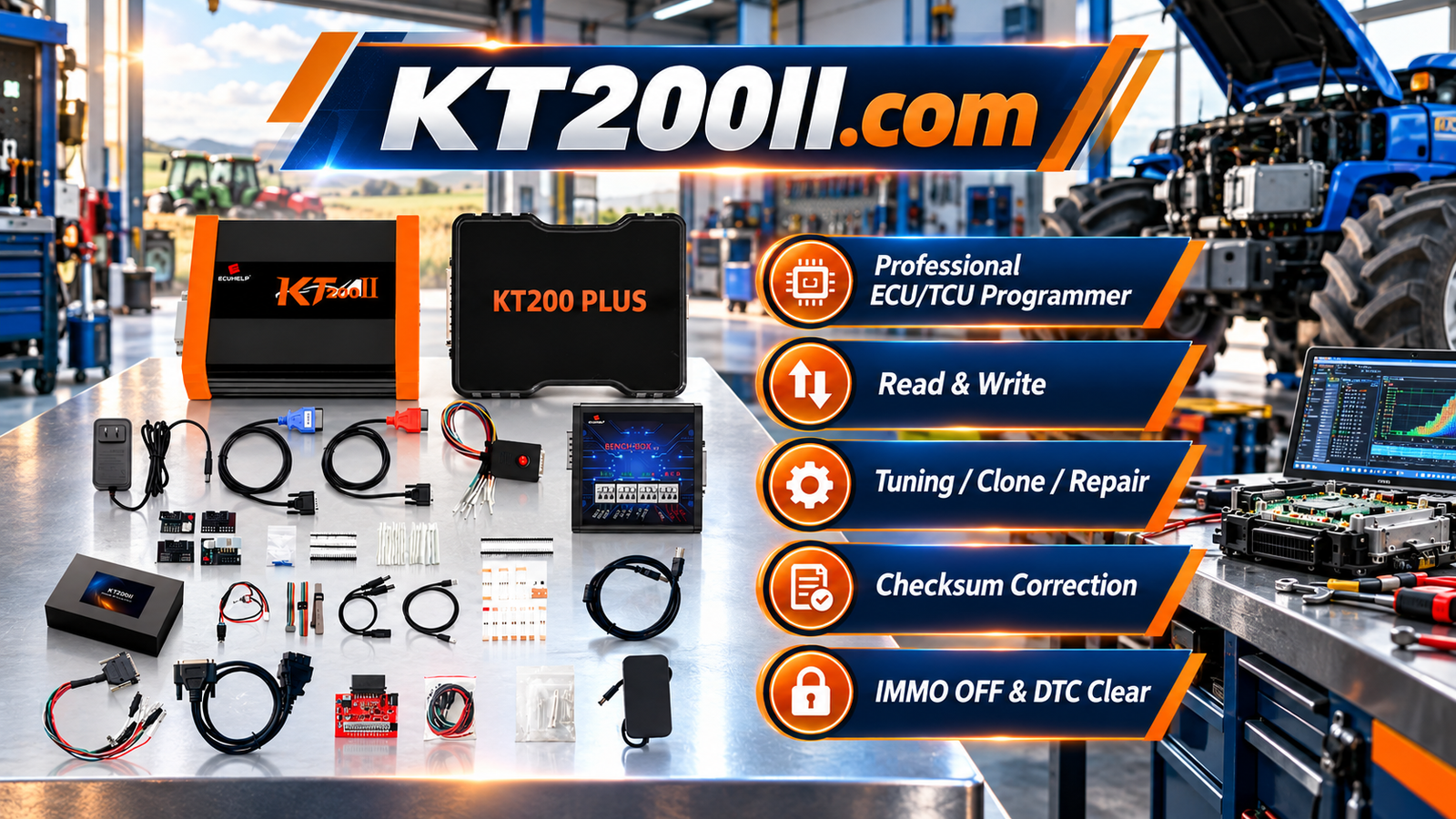
The KT200II ECU Programmer supports professional ECU and TCU programming operations on supported applications.
KT200II supports different programming methods according to ECU requirements, including:
- OBD Mode
- Bench Mode
- Boot Mode
- JTAG Mode
- BDM Mode
Technicians can learn more about available programming methods through:
Check ECU Support Before Boot Programming
Before starting a Boot Mode operation, technicians should confirm:
- ECU compatibility
- Processor type
- Required connection method
- Supported programming procedure
The official KT200II Support List provides compatibility information for supported ECU applications.
Keep ECU Programming Software Updated
As vehicle technology develops, new ECU generations require updated programming support.
Regular software updates help technicians maintain compatibility with newer vehicle systems.
The latest resources are available through:
Conclusion
ECU Boot Mode is an important technology for professional automotive electronics repair.
By providing deeper ECU access, Boot Mode allows technicians to perform advanced operations such as ECU recovery, cloning and programming when standard communication methods are not available.
A professional workflow, correct connection procedures and reliable ECU programming equipment are essential for safe and successful Boot Mode operations.






